The Channels page shows an overview of the channels connection status of your project.
Access it in order to connect channels and/or get more information about connected channels.
Only admins can access the Channels page in Engage.
To access it Go to Settings > Project > Channels. By default you will land on the My channels section which display connected channels (active or failing).
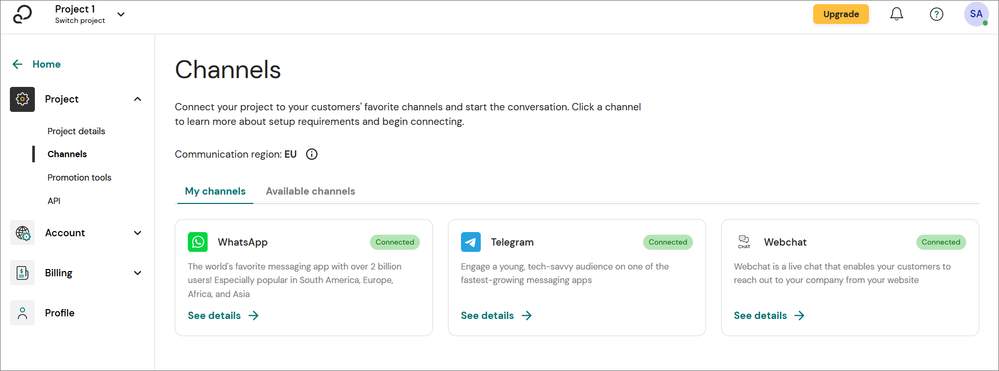
If you want to connect another channel, click on the Available channels section.
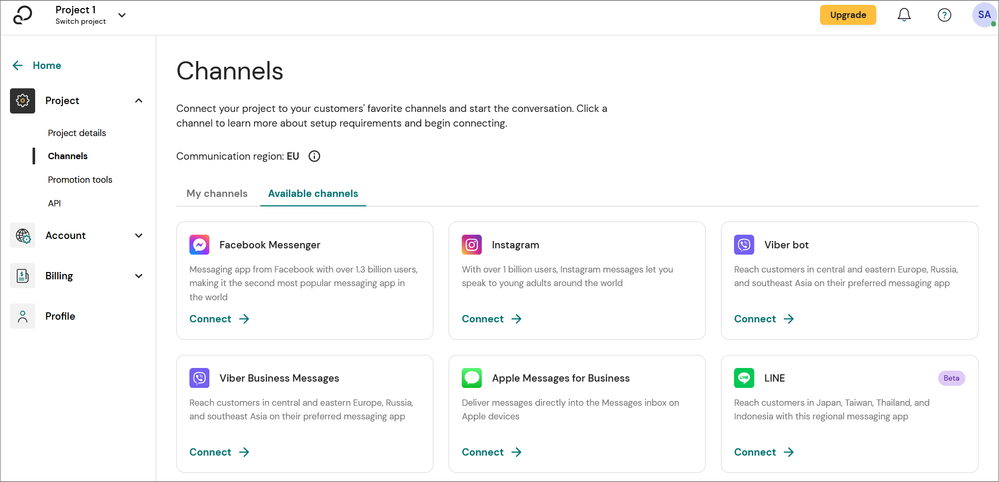
Clicking on See details/Connect on a channel card will guide you to the dedicated channel section. See articles below.
