You can change your Sinch ID password from the Build Dashboard. Sinch ID sends a password reset link to your email. You do not enter your old password directly.
To change your password:
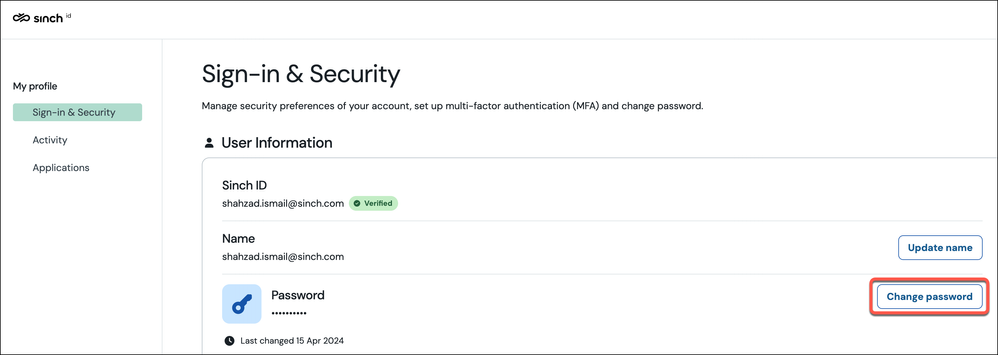
- Sign in to Sinch ID and go to Sign-in & Security.
- Under Password, click Change password:
- A dialog box is displayed confirming that a reset email has been sent to your Sinch ID email address:
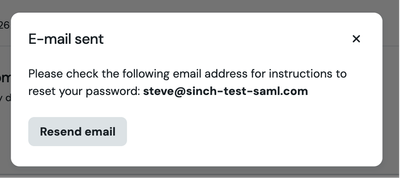
4. Check your inbox for the reset email and click the password reset link in the email. Follow the on-screen steps to set a new password.
Note: The reset link expires after a set time. If it has expired, go back to the Build Dashboard and click Change password again.
