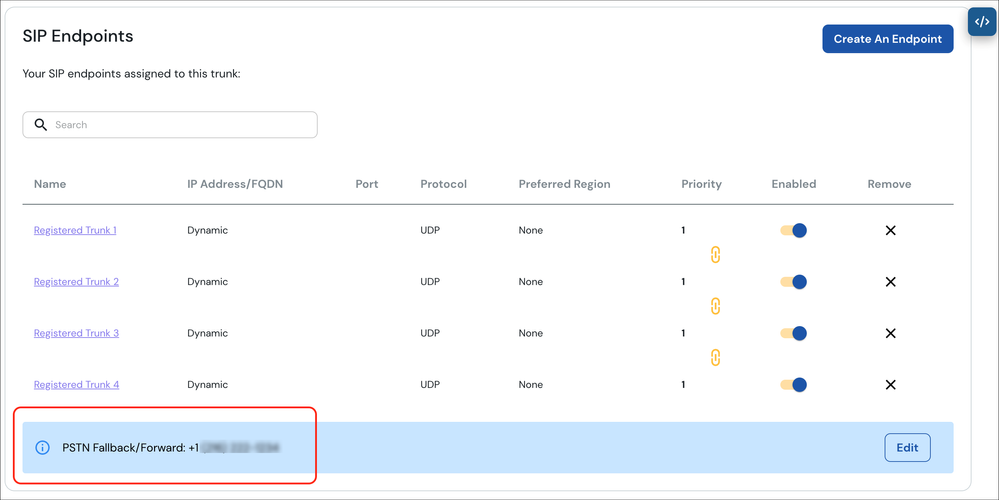
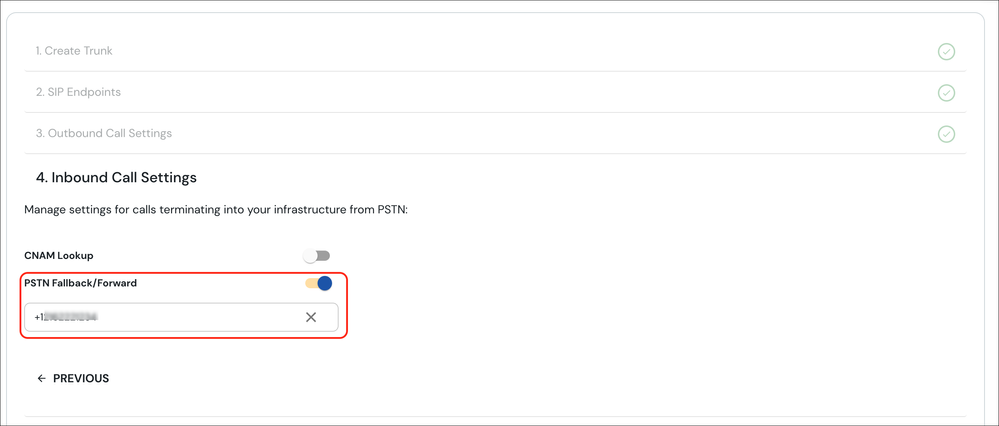
Elastic SIP Trunks can be configured with Forwarding / Fallback. Once set, if a call to one of the telephone numbers associated with a trunk cannot be completed over any of your SIP Endpoints (or in the event you have disabled/removed them) the call will immediately forward out to the number you have configured. To forward all calls simply create a trunk without any SIP endpoints, associate phone number(s) and turn on Forwarding. This option can be configured under the Inbound Call Settings on your trunk.
Additionally, once this is enabled the route will display on your SIP Endpoints section. This provides a visible reminder that it is enabled and will be used as the route of last resort for your telephone numbers.