Business profiles and Brands, available within the Compliance Center, provide a centralized location for storing your US business registration information. Once a Business Profile or brand is created, the information can be reused across multiple US messaging products - for example, using the same business information for US short codes and 10DLC. This eliminates the need to repeatedly enter the same business details and help streamline future registrations.
This step-by-step guide will walk you through creating a Business Profile/Brand and registering your brand details. Once registration is complete, you can select the US messaging products you want to use and complete any product-specific vetting requirements.
To create a business profile or brand, take the following steps:
- Log in to the Sinch Build Dashboard.
- Select the Profiles & brands option from the COMPLIANCE CENTER -> Profiles & Brands menu in the left panel. The Profiles and brands page is displayed:
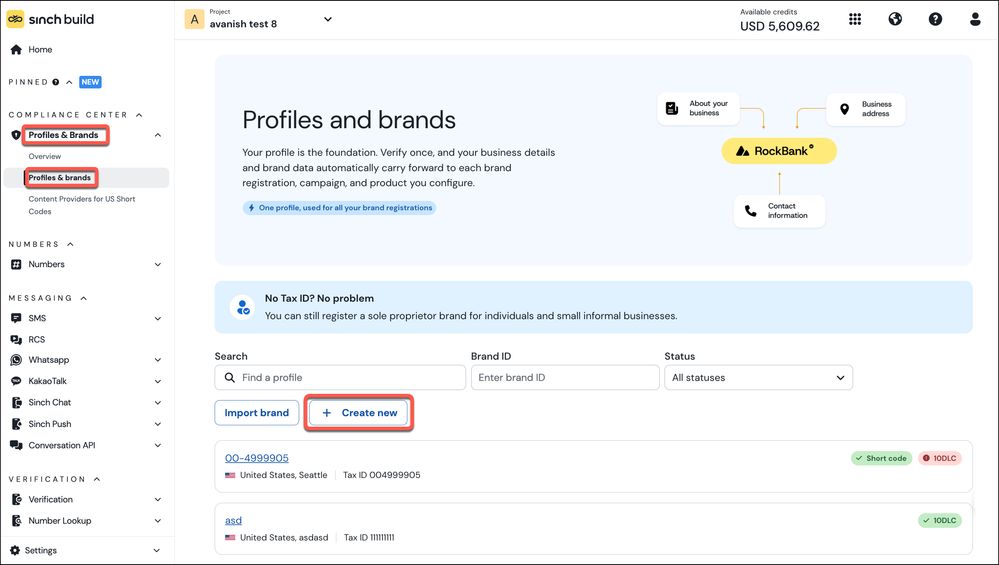
Click + Create new.
- The Create a new profile dialog is displayed:
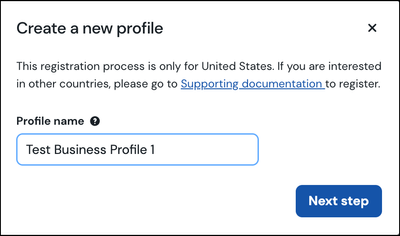
Enter a name for your profile. Click Next step.
- The About your business form is displayed:
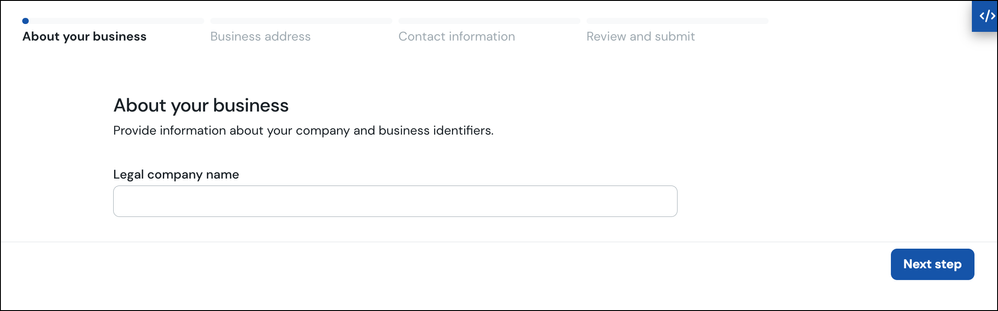
Enter your Legal company name, which is the official name of the business as it is registered with the government. (i.e What shows up on all legal papers/tax documentation).
Click Next step.
- The Business address form is displayed:
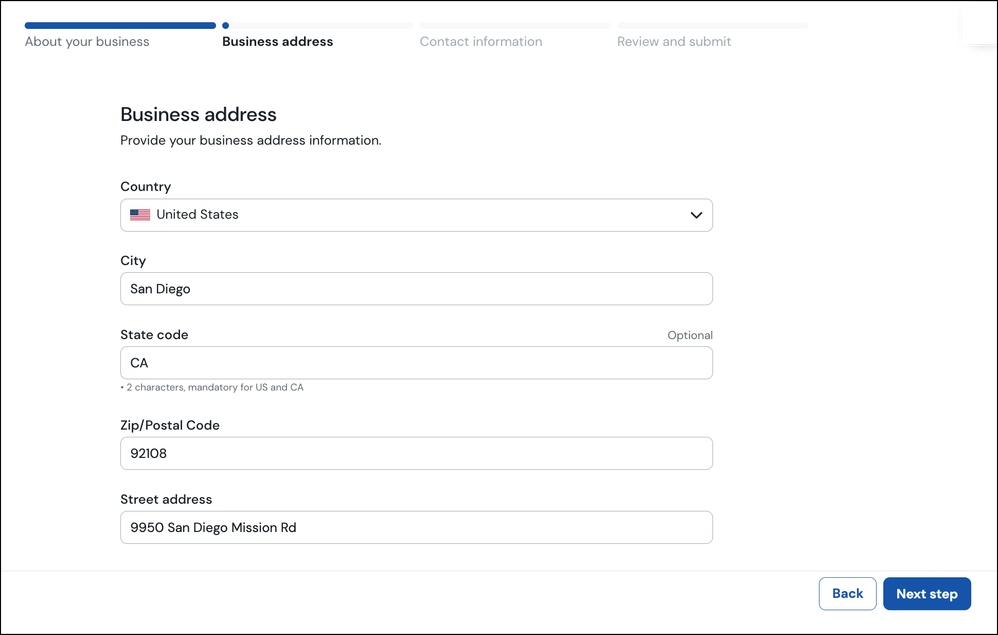
Enter your business address details. Click Next step.
- The Contact information form is displayed:
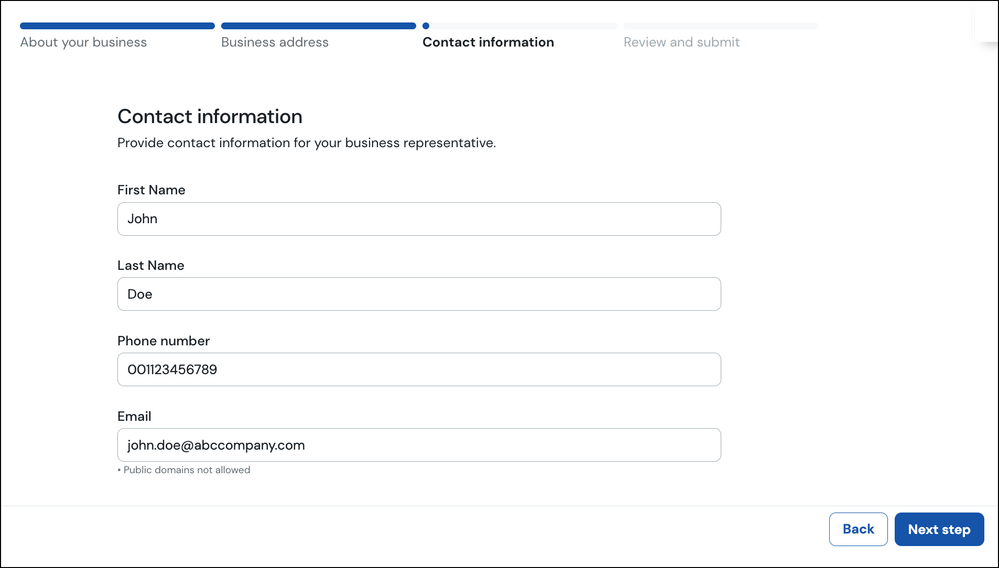
Enter your contact information for the person you want to be associated with this business profile.
Click Next step.
- The Review and submit form is displayed:
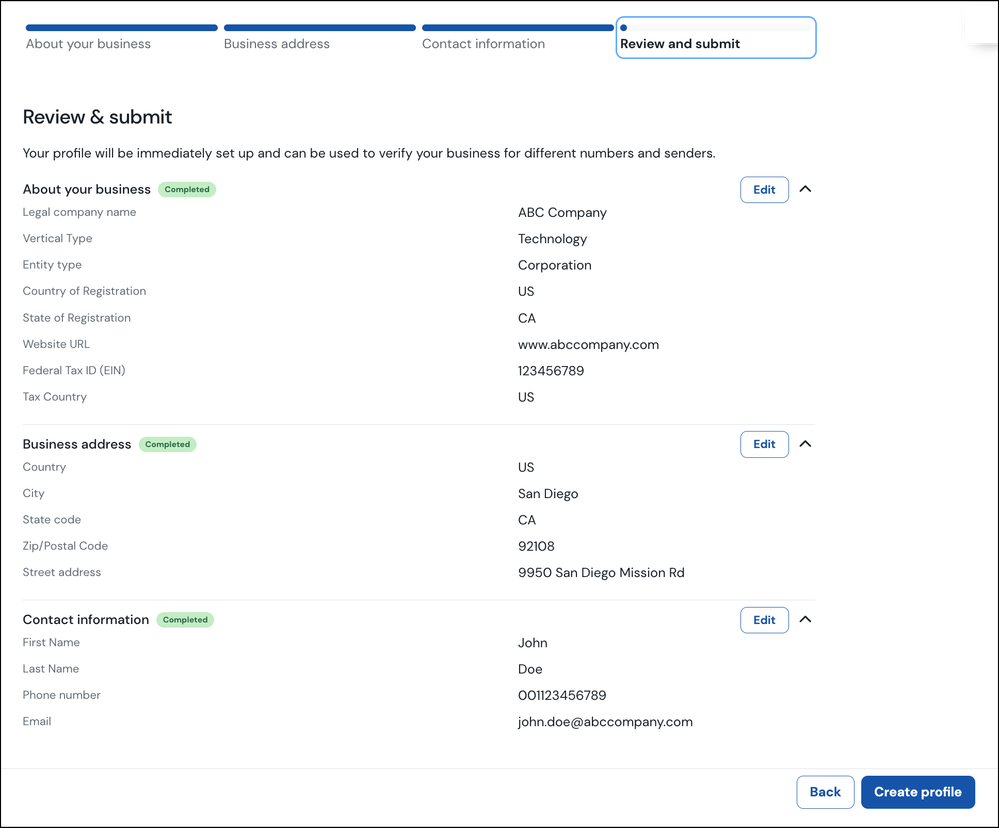
This page summarises the information you have entered. You can click the Edit button corresponding to any of the sections to edit this information.
Once you are satisfied with the information you have entered, click Create profile.
- You business profile will be created:
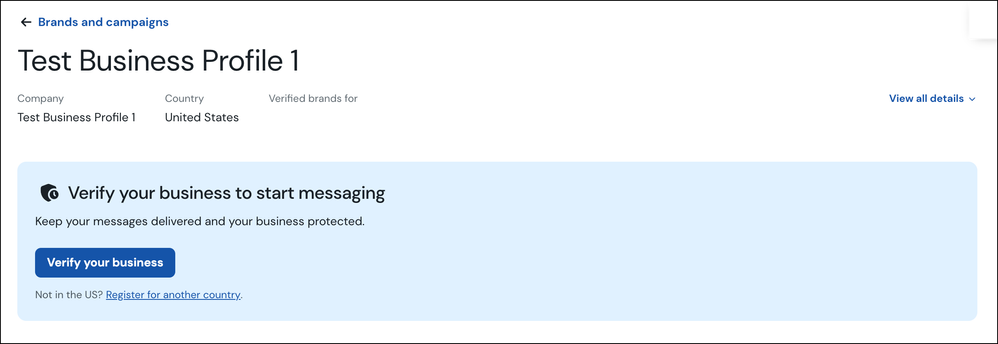
The next step is to verify your business. Refer to the How to verify your business in the Compliance Center? article to learn more.
